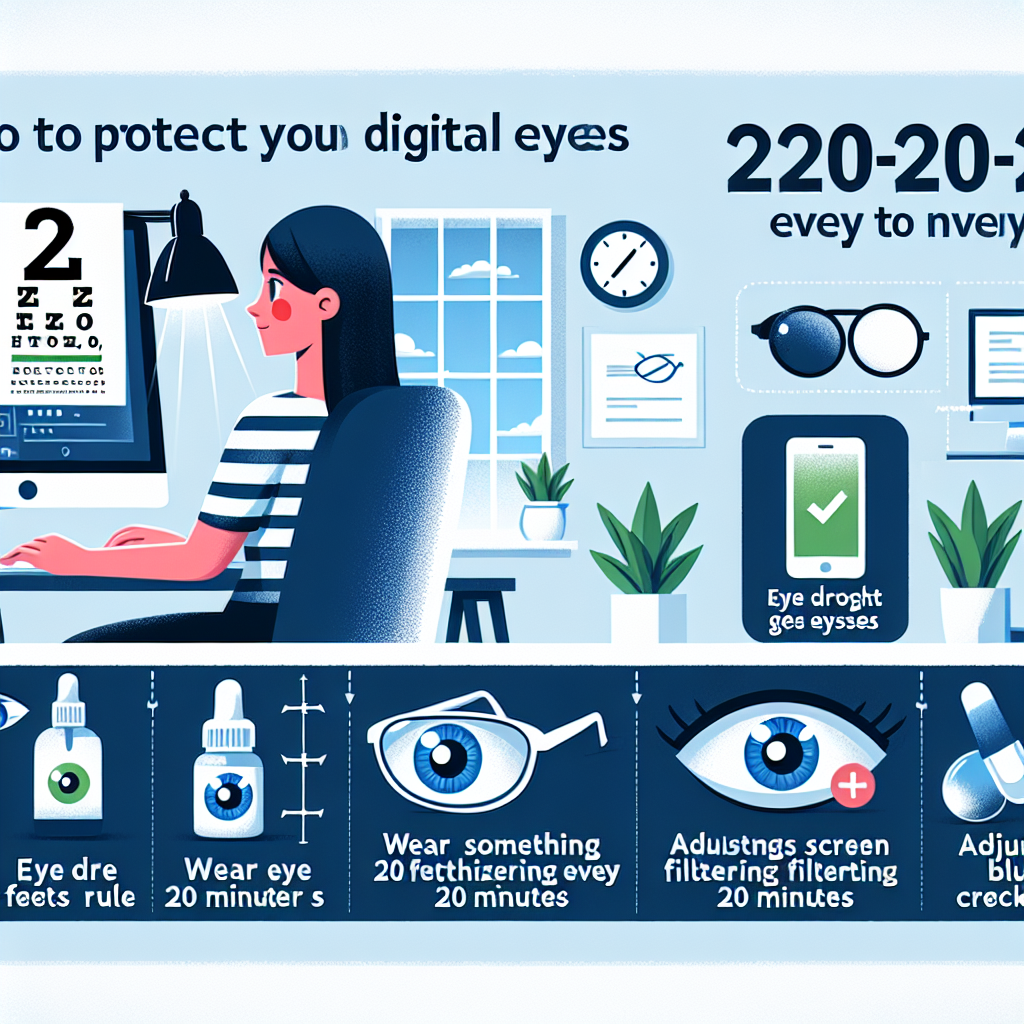
Do you spend a lot of time in front of digital screens? Whether it’s for work or leisure, staring at screens for long periods can cause strain on your eyes. But fear not, there are ways to protect your eyes from digital strain without resorting to surgery or medications.
1. Take Breaks
One of the simplest ways to reduce digital eye strain is by taking regular breaks. Follow the 20-20-20 rule: every 20 minutes, look at something 20 feet away for at least 20 seconds. This gives your eyes a chance to relax and refocus.
2. Adjust Your Screen
Make sure your screen is positioned at eye level and about an arm’s length away from you. Adjust the brightness and contrast settings to reduce glare and make text easier to read.
3. Use Blue Light Filters
Blue light emitted from screens can contribute to eye strain and disrupt sleep patterns. Consider using blue light filters on your devices or wearing blue light blocking glasses to reduce exposure.
4. Blink Often
Staring at screens can cause us to blink less frequently, leading to dry eyes. Make a conscious effort to blink more often or use artificial tears to keep your eyes lubricated.
5. Get Regular Eye Exams
Regular eye exams are essential for maintaining good eye health and catching any issues early on. Your optometrist can recommend specific measures to protect your eyes based on your individual needs.
In conclusion, protecting your eyes from digital strain doesn’t have to involve surgery or medications. By following these simple tips and making small adjustments in your daily routine, you can keep your eyes healthy and happy without breaking the bank.
